שליטה בהמרה דיגיטלית
סריקה באיכות גבוהה
עשה דיגיטציה מהירה ויעילה של מסמכים, תמונות וחומרים אחרים עם סריקות חדות וברורות.
טכנולוגיית סריקה חכמה
אפליקציית סורק מסמכים לדיגיטציה מהירה ומדויקת.
ניהול תיקיות משולב
ארגן וסווג את הסריקות שלך כך שכל מסמך יהיה נגיש ומאוחסן כראוי.
כלי עריכה מדויקים
שליטה בצבע
התאם צבעים, החל מסננים ושפר את הסריקות שלך למראה המושלם.
התאמות גמישות
חתוך, סובב, הדגש והוסף את המסמכים שלך עם כלים אינטואיטיביים.
ממשק אינטואיטיבי
עיצוב ידידותי למשתמש הופך את העריכה לנגישה לכולם, ממתחילים ועד למשתמשים חזקים.
פתרונות ייצוא מגוונים
פורמטים מרובים
ייצוא בפורמטים פופולריים כמו PDF ו-JPEG כדי להתאים לכל זרימת עבודה.
שיתוף ישיר
שתף ישירות למייל, לשירותי ענן או לאפליקציות העברת הודעות בלחיצה אחת.
שימור איכות
אפליקציית סורק מסמכים לדיגיטציה מהירה ומדויקת.
האחרון מהבלוג שלנו
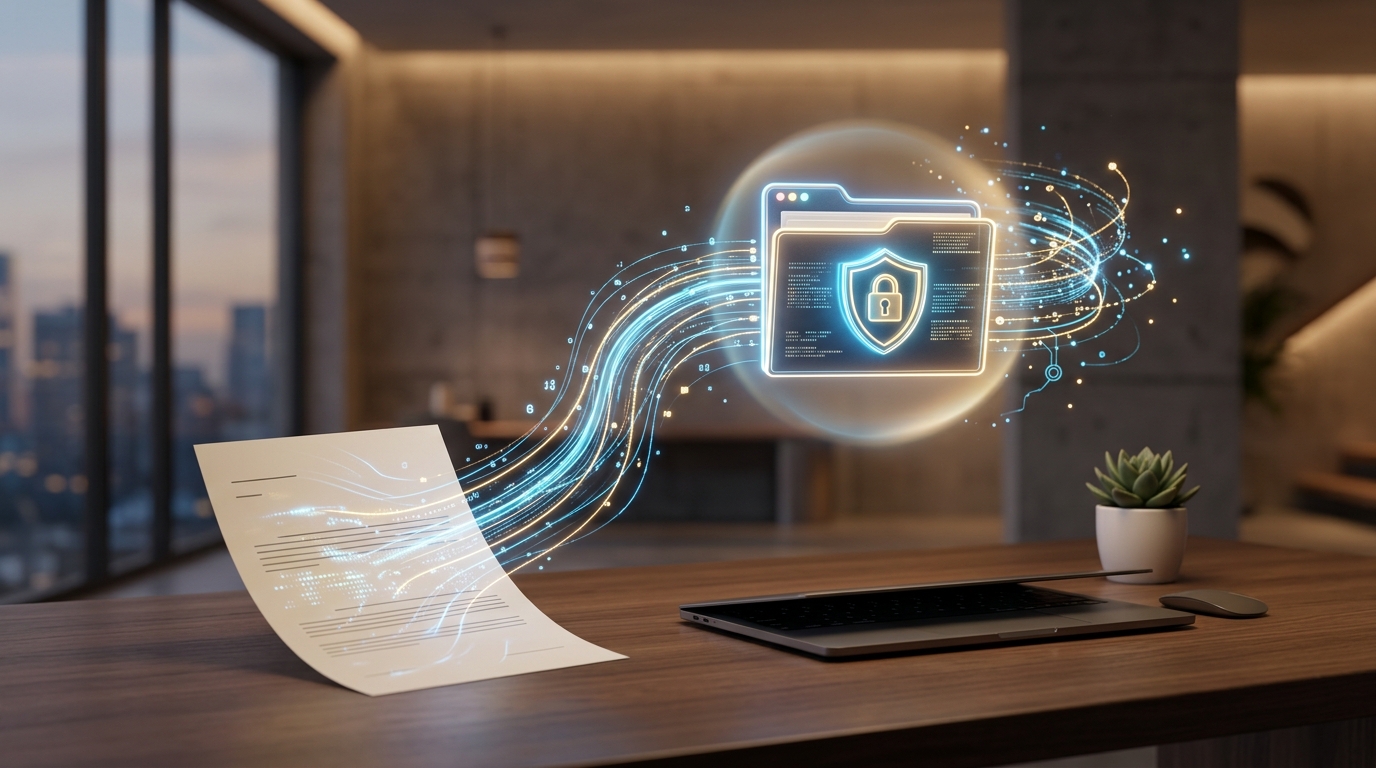
המעבר של 2026: איך לעבור לסביבת עבודה לניהול מסמכים מבוססת AI
גלו מדוע כלכלת אפליקציות המובייל של 2026 דורשת מעבר מניהול קבצים מבוזר לסריקת מסמכים מאוחדת ומבוססת...
קרא עוד ←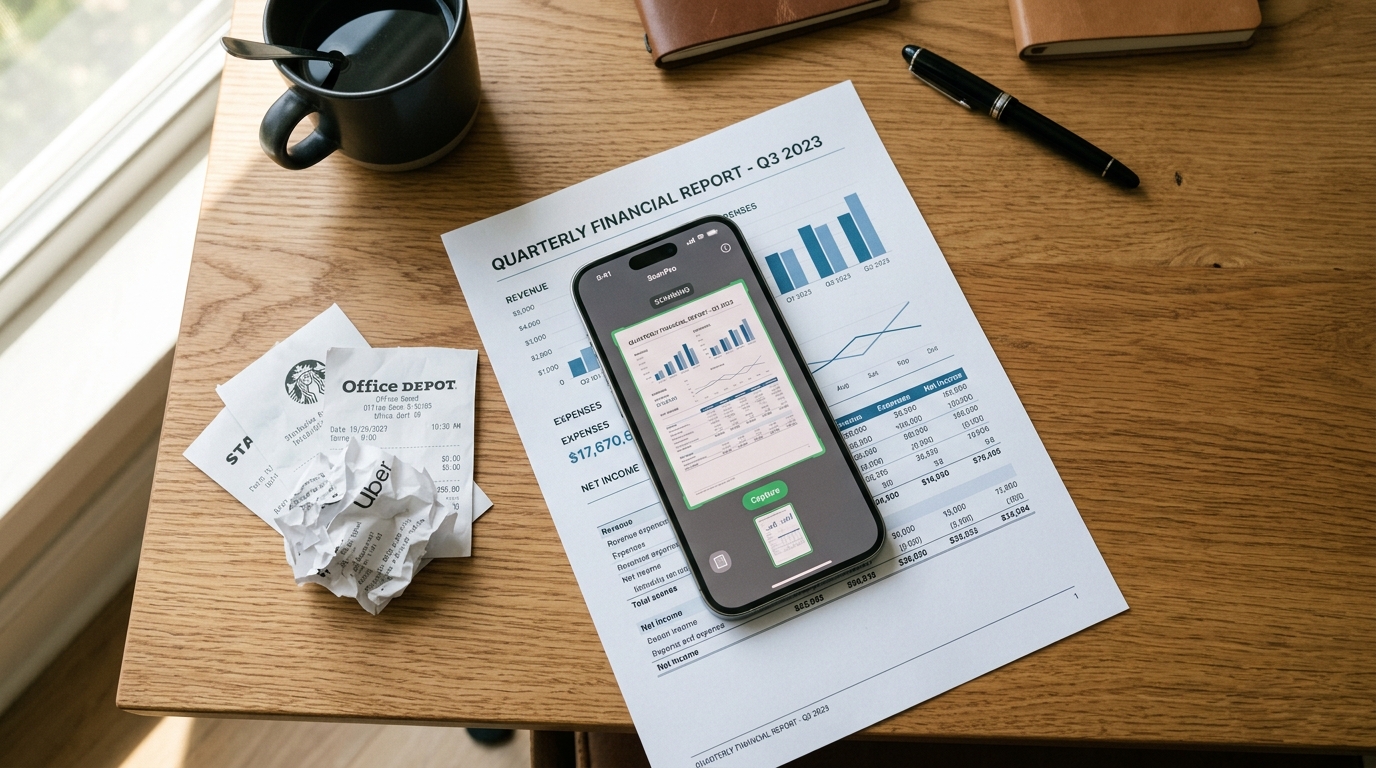
עידן הנתונים הקלים: התאמת ניהול המסמכים בנייד לשנת 2026
הרגלי המשתמשים בנייד עוברים במהירות לאפליקציות חסכוניות בנתונים. גלו כיצד אפליקציית סורק PDF ייעודית...
קרא עוד ←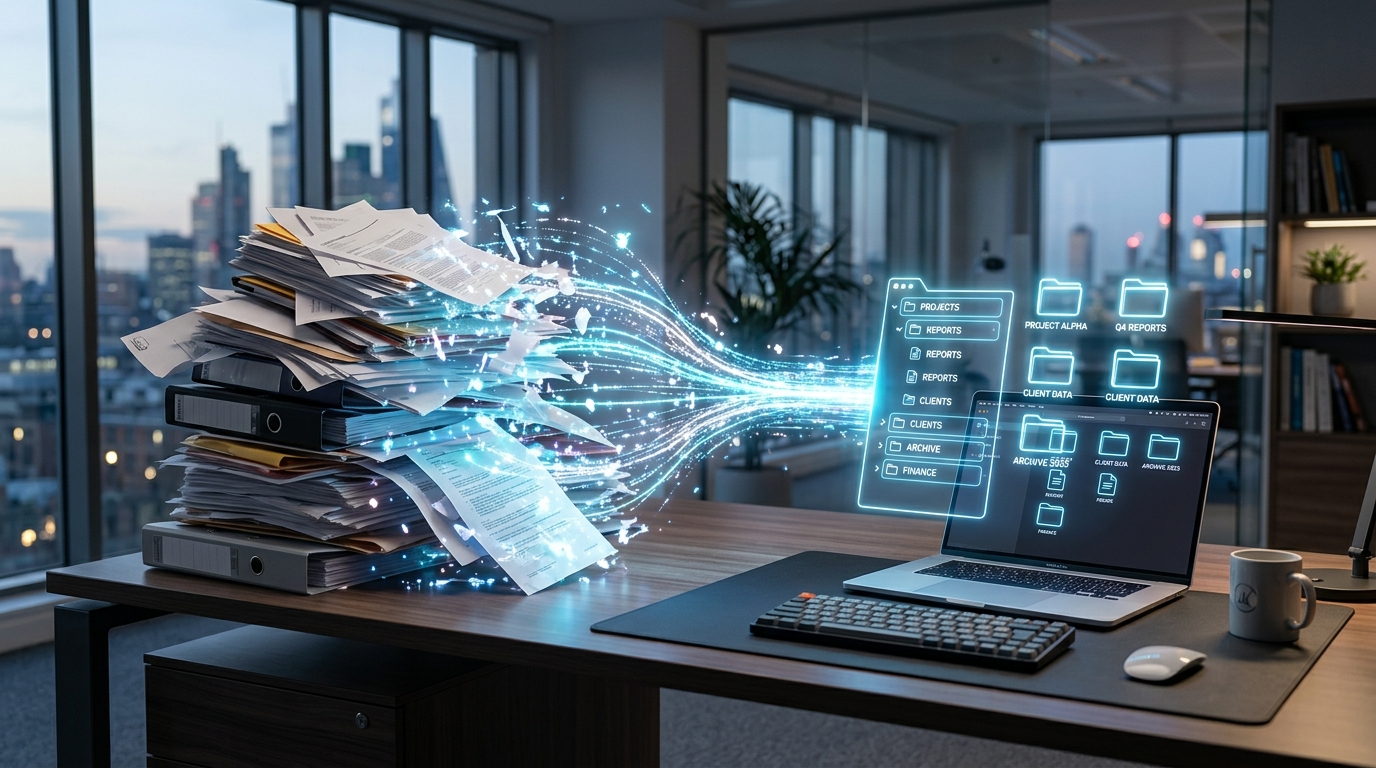
מה למדנו מ-50,000 סריקות על תהליכי עבודה עם מסמכים בנייד
ניתוח של 50,000 הסשנים הראשונים של המשתמשים מגלה שאנשי מקצוע זונחים את תוכנות העריכה המורכבות לטובת...
קרא עוד ←תן ל-Scan Cam לייעל את העסק שלך
הורד עכשיו וחולל מהפכה בטיפול במסמכים.
